Chat, visualise, export
Voyagis brings three tools into one flow so a vague idea becomes a day-by-day plan you can actually use and share.

Describe the trip in plain words
Give Voyagis a destination or a vibe, dates or a season, how long, who's going, a budget band and a pace. The more you say about crowds, accessibility or travelling with kids, the more the plan adapts.
- —Destination or vibe
- —Length, travellers, budget, pace
- —Constraints like avoiding crowds or step-free routes
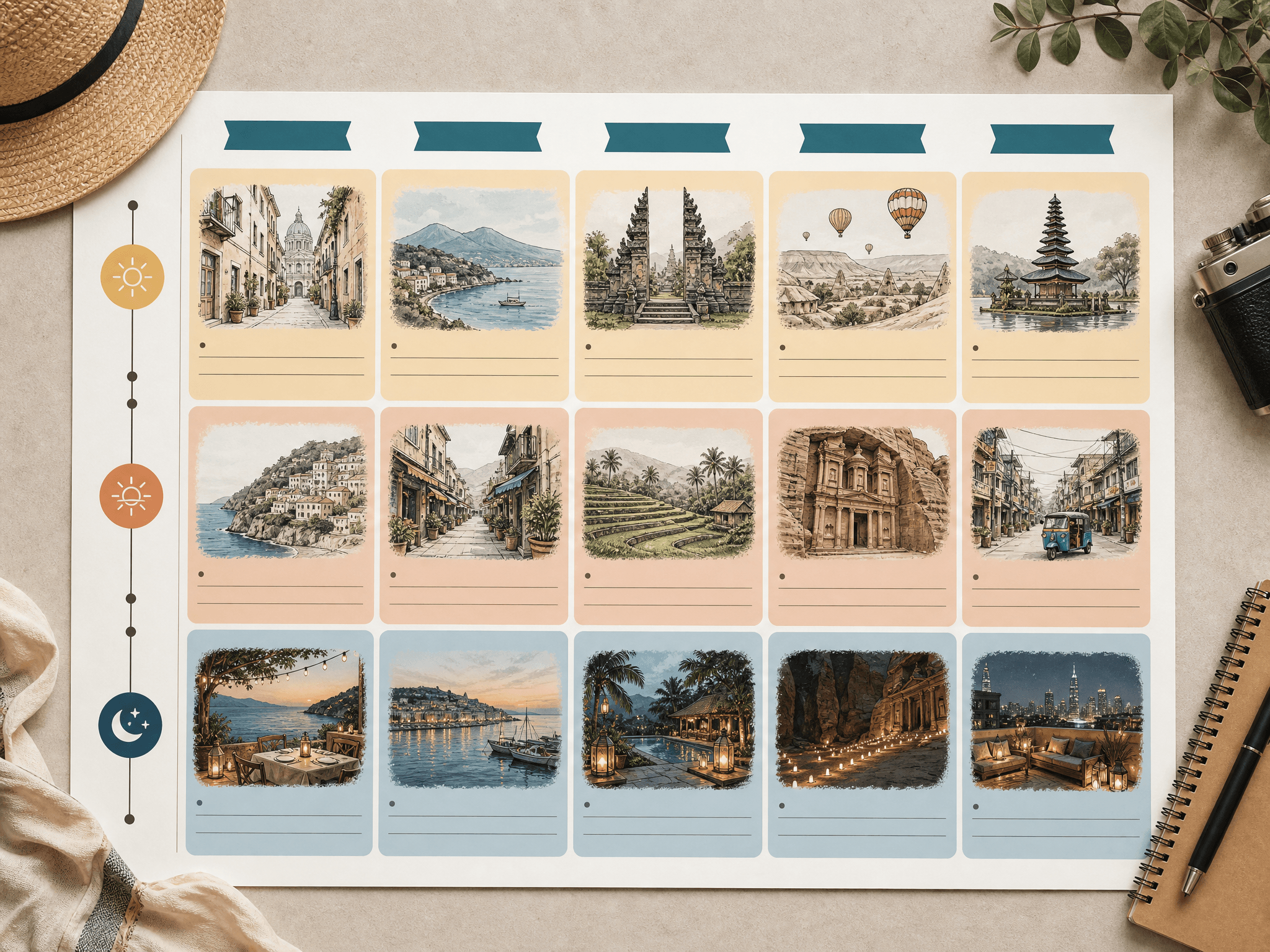
See it before you commit
Voyagis turns the plan into visual boards: a day-by-day timeline, a destination mood board, an illustrated route overview, neighbourhood-vibe notes, a packing checklist and category budget bands marked as estimates, not quotes.
- —Day-by-day itinerary board
- —Mood board and illustrated route
- —Packing list and budget bands

Turn the plan into a teaser reel
On Wayfarer, Voyagis builds a short teaser reel storyboard from your route — a 6 to 10 second montage exported in 16:9 and 9:16, so you can share the trip with whoever you're travelling with or save a recap afterwards.
- —6–10s teaser reel storyboard
- —16:9 and 9:16 exports
- —Optional recap montage after the trip